Flowkit-UI/UX design and Case Study
Manage Projects. Track Tasks. Deliver Better
Overview
FlowKit is a task management SaaS web app designed to help teams organize, track, and complete projects efficiently. The goal was to build a modern, intuitive platform that simplifies workflow tracking and enhances team collaboration — combining clean UI with smart automation.
✨ Key Features
🧭 Simplified task flow — Create, assign, and manage tasks seamlessly.
🎨 Modern dashboard UI — Minimal design with clear hierarchy and micro-interactions.
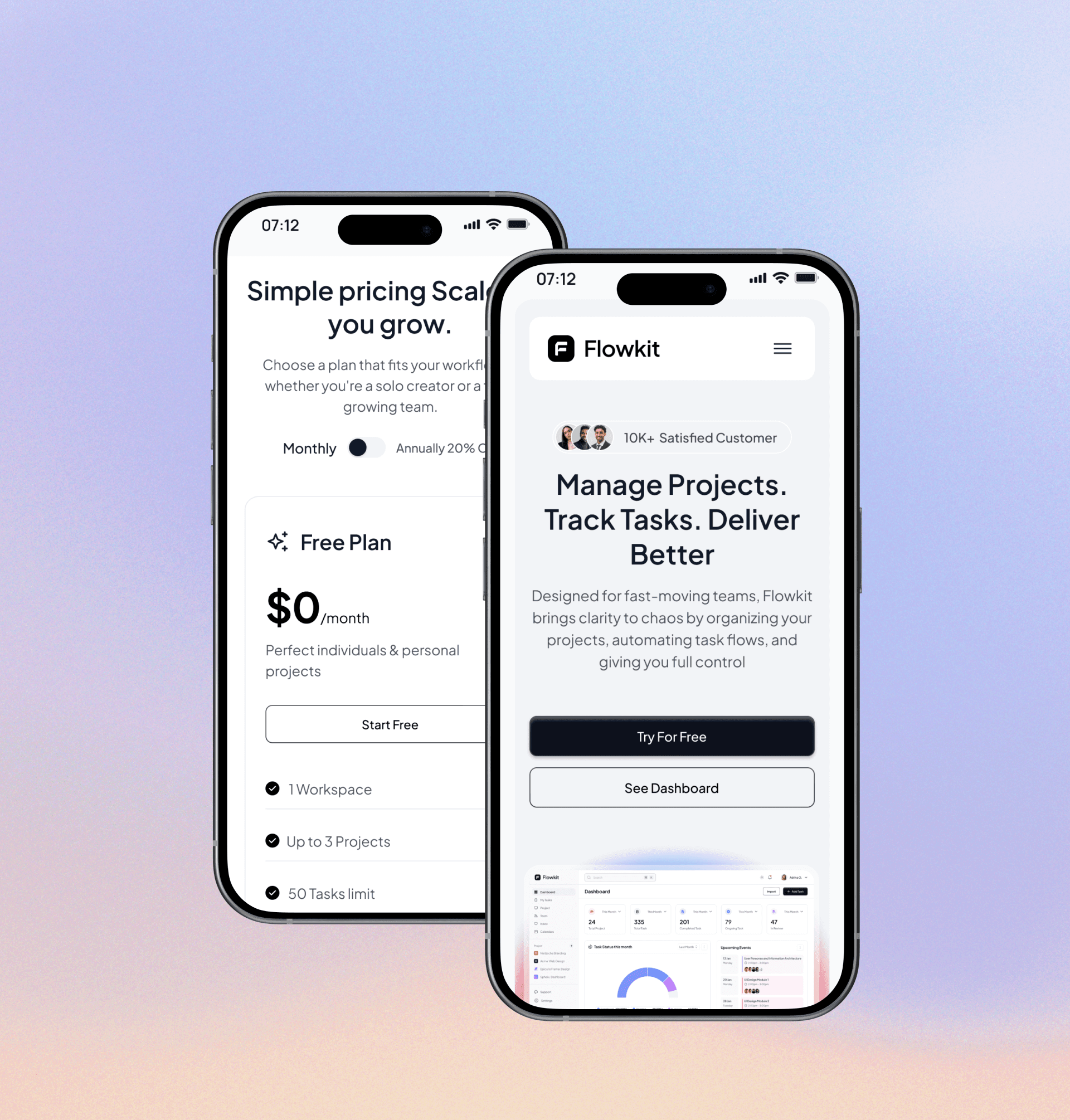
💻 Responsive & adaptive — Works smoothly across desktop and mobile.
🔔 Smart notifications — Real-time updates for ongoing projects and task deadlines.
🔐 Secure workspace — Protected data with role-based access control.
🧩 Custom boards & statuses — Tailor the dashboard to match your workflow.
Challenges
Most existing project management tools feel cluttered and overcomplicated, making it difficult for teams to focus on what truly matters — getting work done.
Users often struggle with:
Overwhelming dashboards packed with unnecessary widgets.
Poor visibility of project progress and unclear task ownership.
Lack of flexibility in customizing task categories or workflow stages.
FlowKit was designed to address these issues by focusing on simplicity, clarity, and team transparency.
Solution
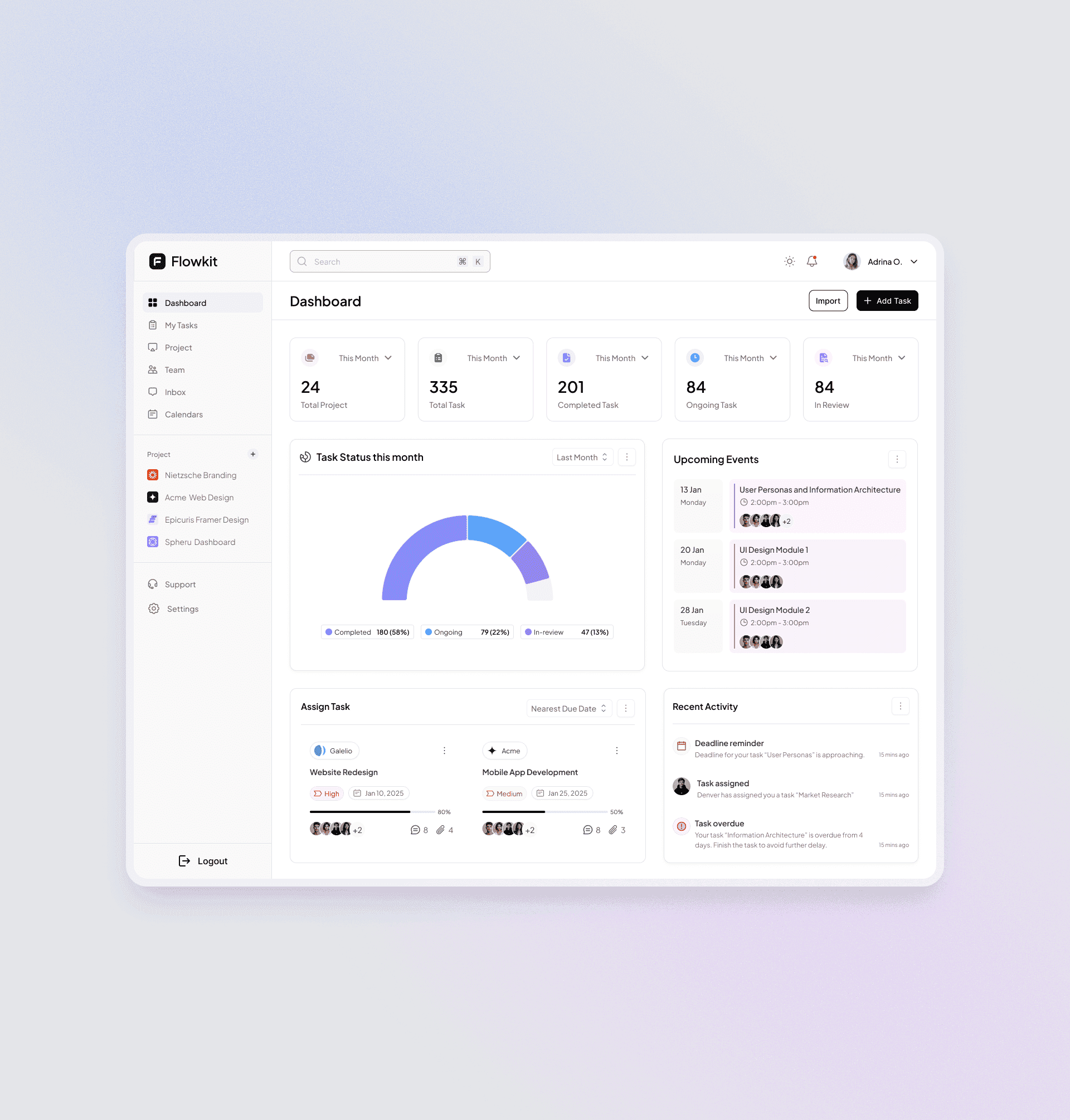
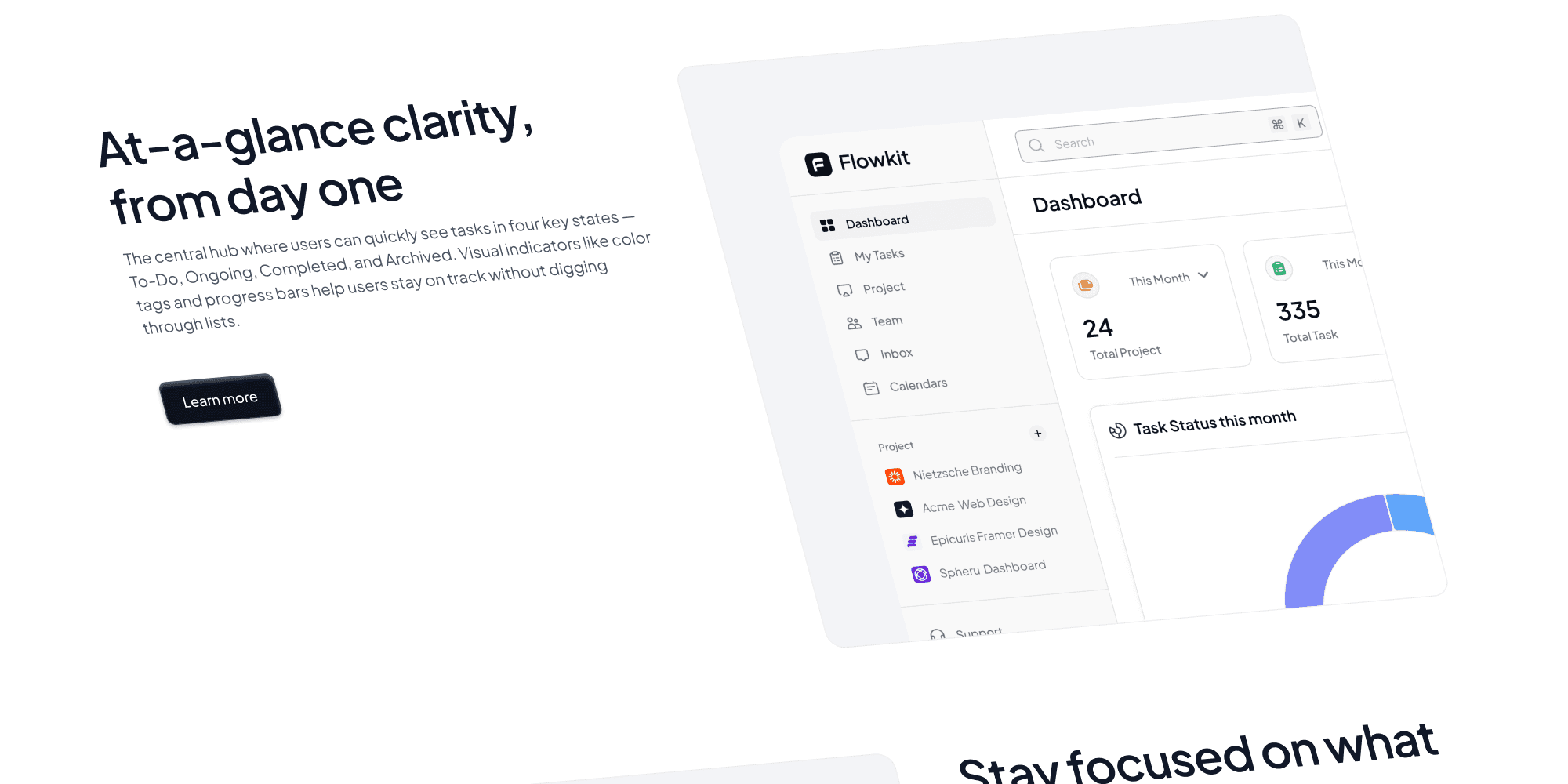
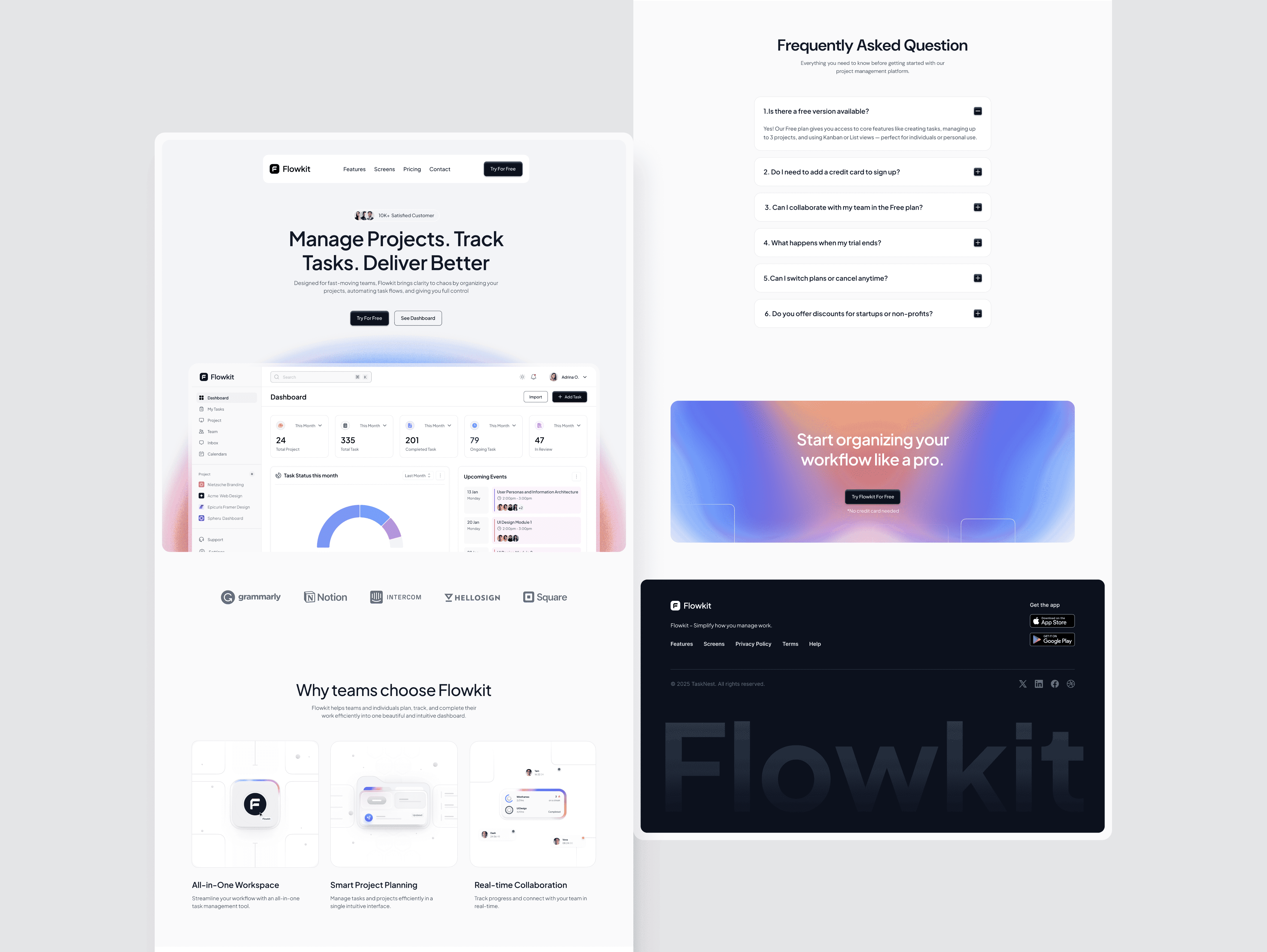
I created a clean and structured dashboard interface where users can view all tasks under clear categories like To-Do, Ongoing, and Completed.
The design highlights actionable elements, real-time updates, and color-coded task statuses for better visibility.
Introduced a Bento-style analytics panel to display quick insights — active projects, deadlines, and productivity stats — all in one glance.
Enhanced the experience with:
Modern typography and consistent color use
Drag-and-drop task organization
Light/dark mode support
Integrated collaboration tools (chat, mentions, file attachments)
This approach delivers a visually balanced and highly functional management tool — helping teams stay organized, focused, and productive.